Flares Cloud · Functions
Push code. Flares deploys it.
Backend PHP that answers an HTTP endpoint, deployed from the repository your code already lives in. Connect it once; after that a push is the deploy.
PHP 8.3 today. Billed by request — not by CPU, memory or how long your code runs.
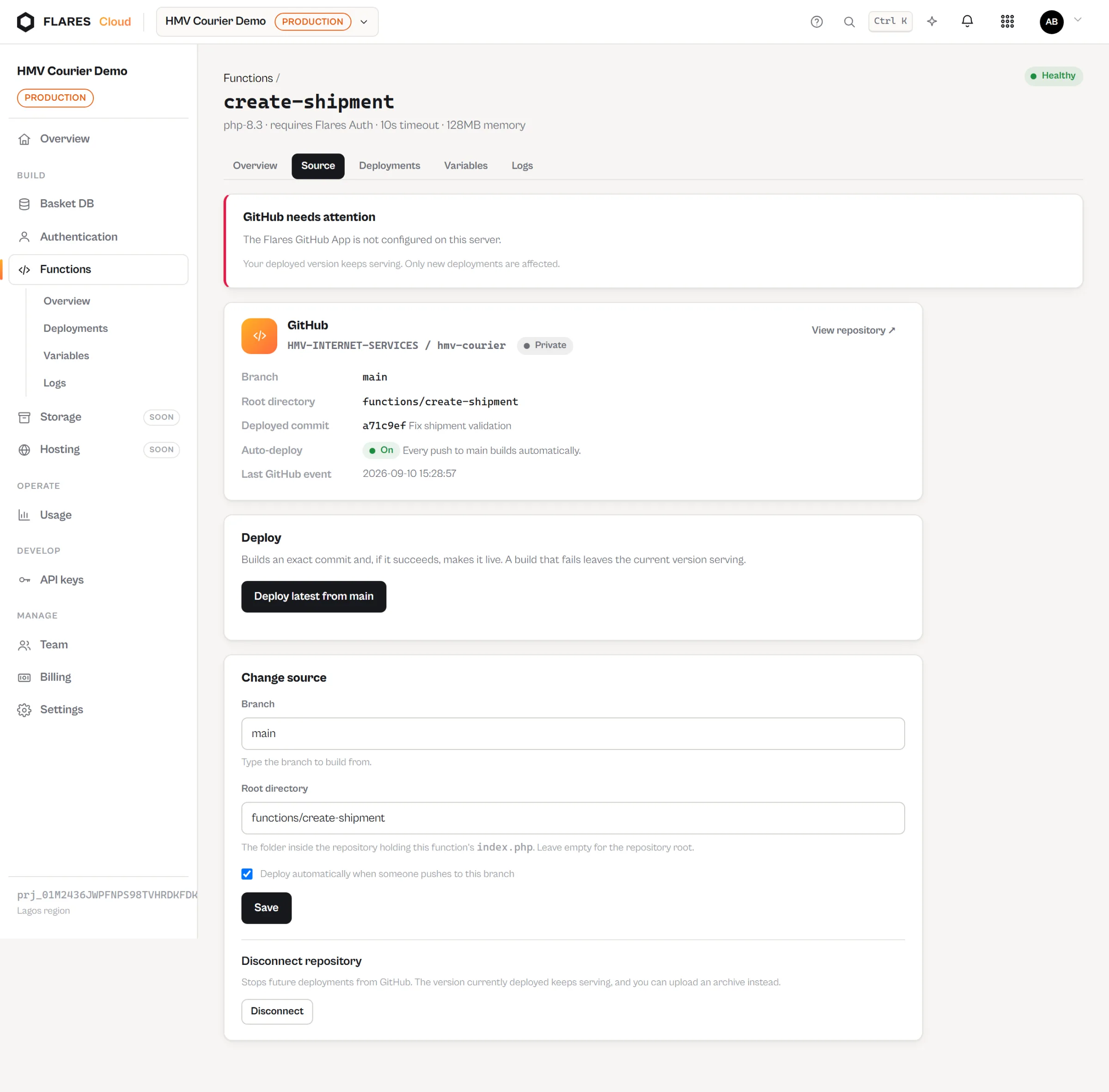
Your code already lives on GitHub
Keep it there.
No zip to build, no artifact to upload, no separate copy of your source to keep in step. Point a function at a repository, a branch and a folder.
Connect GitHub
Install the Flares app and choose which repositories it may read. Read access only.
Choose the source
Repository, branch, and the directory your function lives in.
Push a commit
Ordinary git. Nothing special about the commit.
Flares builds that commit
The exact SHA you pushed — fetched, validated, dependencies installed.
The endpoint serves it
On success it goes live. On failure the previous version keeps serving.
Monorepos
One repository, many functions.
The root directory is what separates them. Forty functions do not need forty repositories, and each build takes only its own folder.
company-backend/
├── composer.json
├── shared/
└── functions/
    ├── create-shipment/     ← one function
    │   └── index.php
    ├── calculate-rate/      ← another
    │   └── index.php
    └── payment-webhook/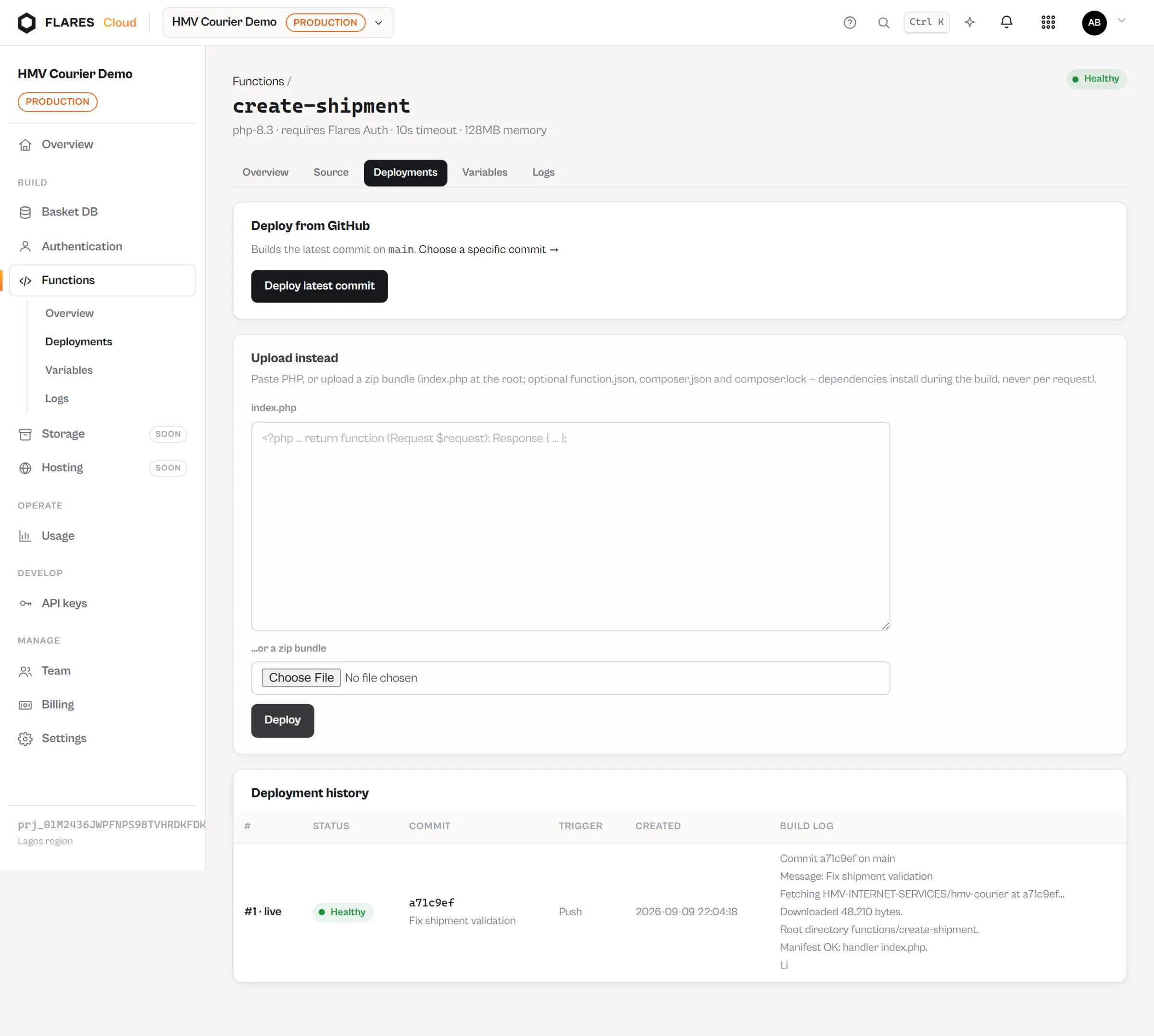
The code
A function is a directory with an index.php.
<?php

use Flares\Functions\Request;
use Flares\Functions\Response;

return function (Request $request): Response {
    if (($p = $request->match('/users/{id}')) !== null) {
        return Response::json(['user' => $p['id']]);
    }

    return Response::json(['error' => 'not_found'], 404);
};
One function can be an application
A function owns its URL and everything under it, so a single deployment can answer /users/123, /posts and whatever else your code decides — not one endpoint per file.
- The path your code sees is the part below the function’s own name
- Public, or requiring a signed-in Flares Auth user
- Environment variables for the secrets that must not be in Git
Billing
One request is one request.
Functions are billed by the number of requests they answer. That is the whole unit.
Not billed
CPU seconds. GB-seconds. Allocated memory. How long your code ran. Cold starts. None of these are pricing dimensions, and none of them exist in the billing model.
What that means
A function dispatched 100,000 times is 100,000 requests. A slow function and a fast one cost the same. You can predict the bill from your traffic without modelling your own code.
Free either way
Builds, deployments, rollbacks and the webhooks from GitHub are not requests, and are not billed.
When something breaks
A failed build cannot take you down.
A deployment becomes live only after its artifact exists and validates. Until then the previous one is serving — and it keeps serving if the new build fails.
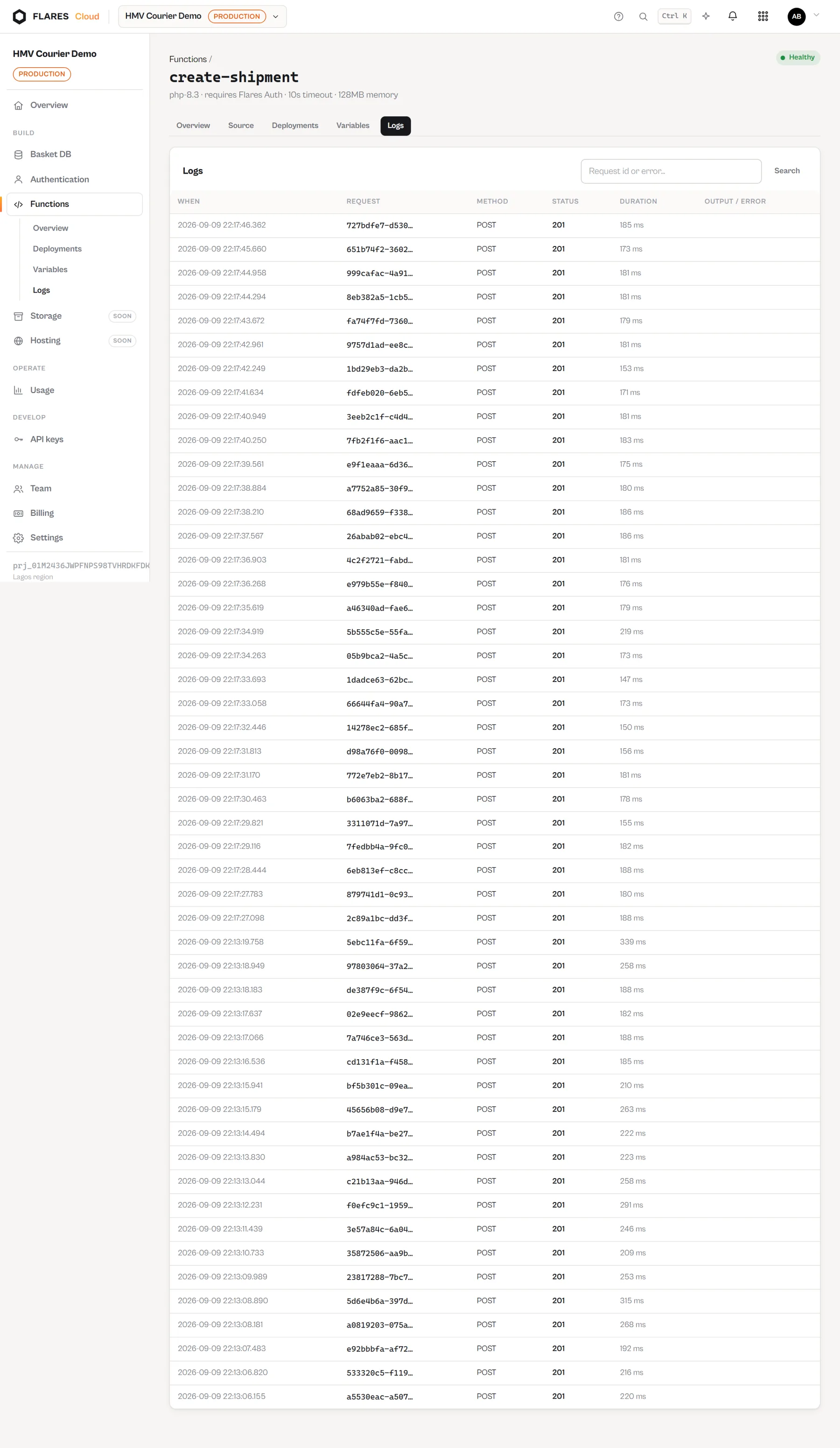
Logs with the request id
Every invocation records its method, status, duration and anything your code printed, searchable by the request id returned in the response header.
- A build that fails leaves production untouched
- Roll back to a previous deployment when you need to
- Every deployment keeps the exact commit it came from
Deploy your first function
Create a project, connect a repository, and push. The endpoint is ready when the build finishes.