Flares Cloud
Your backend, in one project.
A database, sign-in for the people who use your application, and backend PHP deployed from your own repository. Created together, billed together, and already aware of each other.
Cloud is the platform. These are its services.
You create a project — one application, one environment. Inside it are the services that application needs. They share the project’s keys, its team, its usage and its bill.
- One place to look when something is wrong
- One set of keys, scoped to the project and nothing else
- Services that already know about each other — a signed-in user is the same user in the database and in a function
- Basket DBcollections, records, rules, realtime
- Auththe users of your application
- Functionsbackend PHP, deployed from GitHub
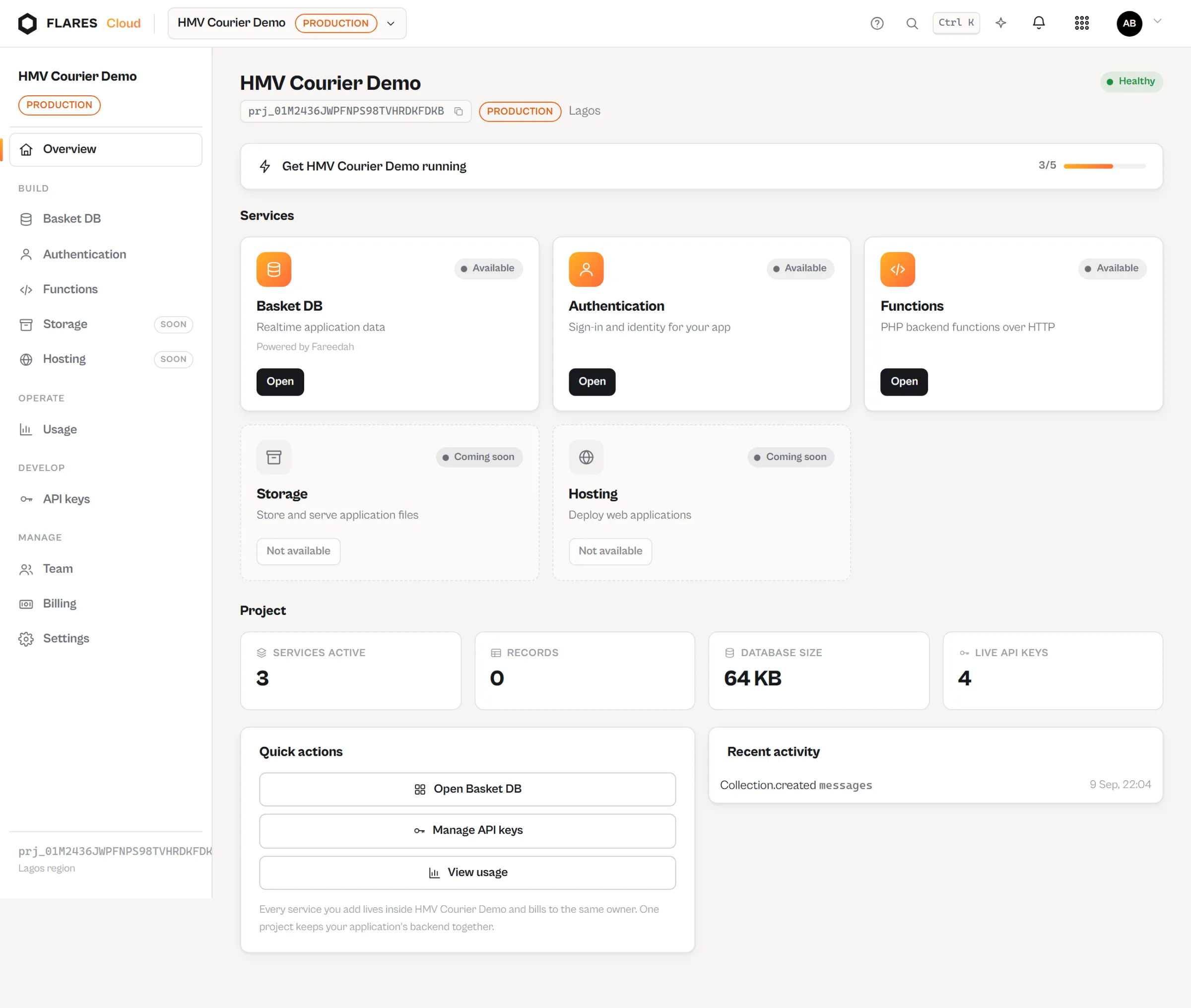
The project
Everything the application needs, in one screen.
Each service reports its own honest state. Nothing claims to be ready before it is.
The services
Three things almost every application needs.
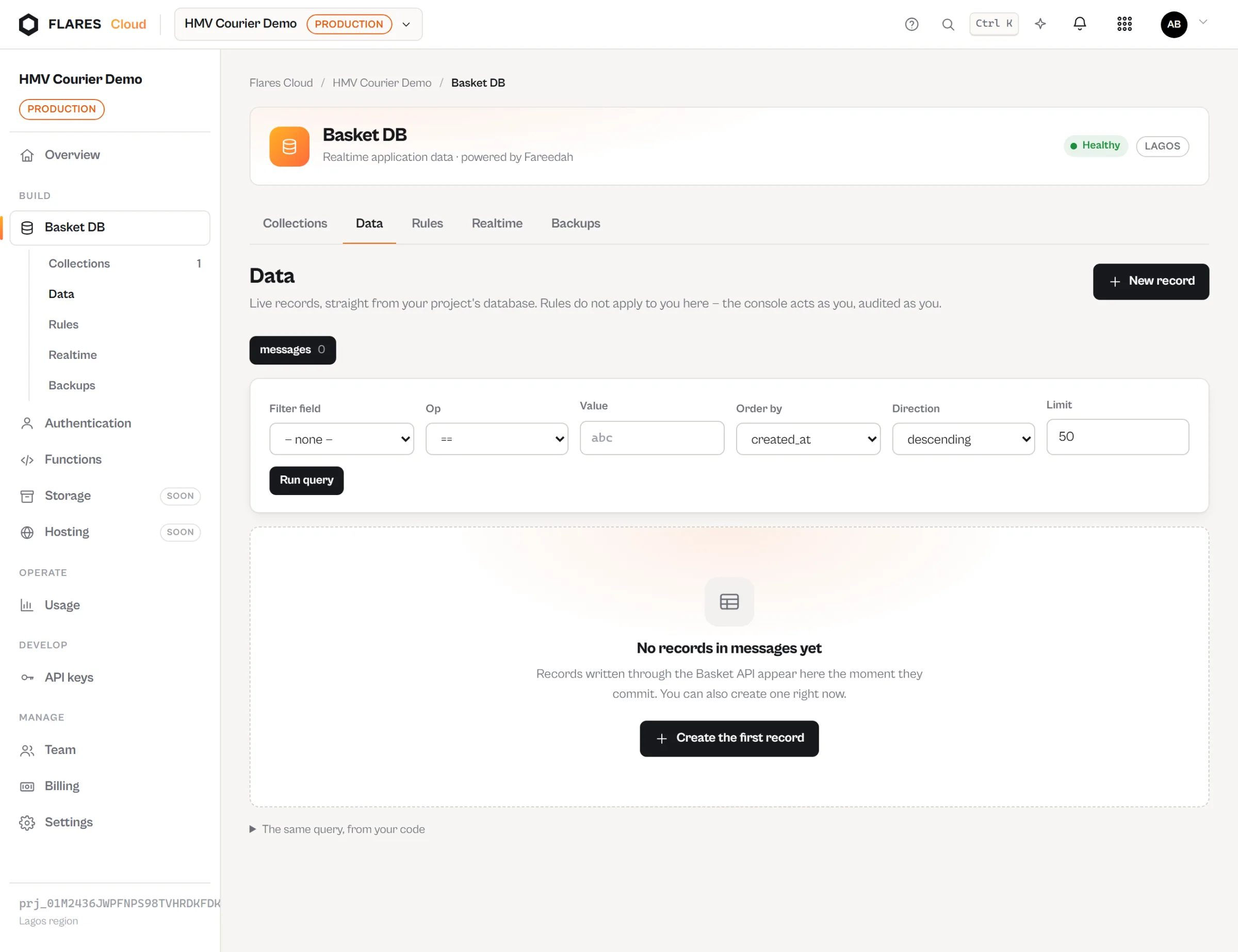
Basket DB — your data, with realtime included
Collections with a schema, records over a plain JSON API, queries, and rules that decide who may read and write. A client can subscribe to a collection and receive changes as they are committed.
- Its own database per project, backed up for you
- Rules enforced by the platform, not by every client
- Realtime without running a socket server
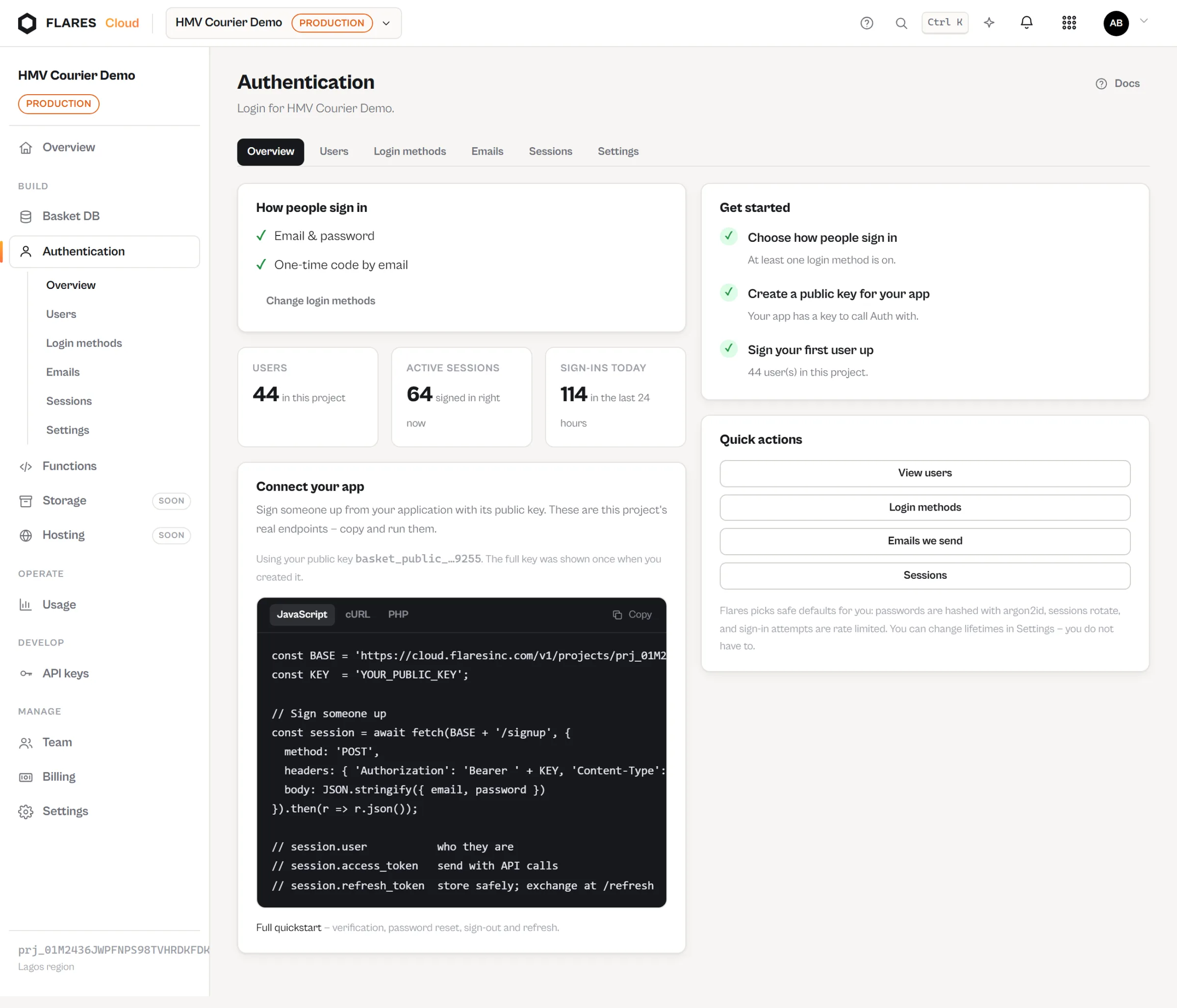
Auth — sign-in for the people who use your app
Sign-up, sign-in, email verification, password reset and sessions for your application’s own users. Held in your project, and separate from how anybody signs in to Flares itself.
- Enable a method, connect your application, and users can sign in
- The same user Basket rules refer to and Functions can require
- Passwords and tokens are never displayed back to you
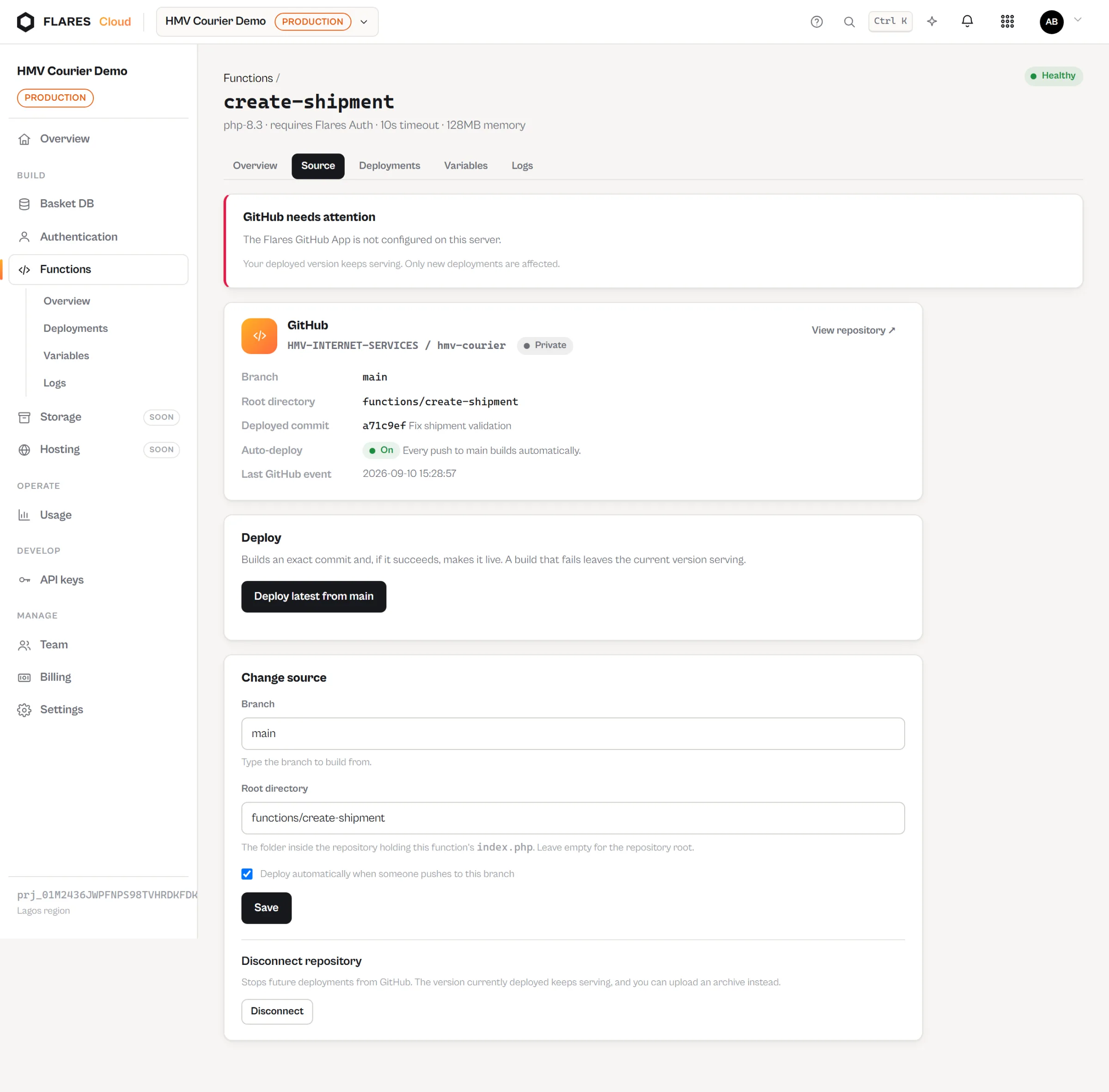
Functions — backend PHP, deployed from GitHub
Point a function at a repository, a branch and a folder. Push a commit and Flares builds that exact commit and serves it at an endpoint.
- One repository can hold every function you have
- A failed build leaves the working version serving
- Billed by request — not by CPU, memory or duration
Deployment
Push code. Flares deploys it.
Your code already lives on GitHub. Connect it once, and a push is the deploy step.
Connect
Install the Flares GitHub app and choose which repositories it may read.
Point at a folder
Repository, branch and the directory the function lives in.
Push
Ordinary git. Nothing special about the commit.
Flares builds it
That exact commit, validated, with dependencies installed.
It serves
On success it goes live. On failure the previous version keeps answering.
What it looks like
Ordinary requests. Ordinary PHP.
No SDK you must adopt to get started — anything that can make an HTTP request can use a project.
curl -X POST -H 'Authorization: Bearer basket_public_…' \
  -H 'Content-Type: application/json' \
  -d '{"email":"aisha@example.com","password":"a-strong-passphrase"}' \
https://cloud.flaresinc.com/v1/projects/prj_…/auth/signin<?php
use Flares\Functions\Request;
use Flares\Functions\Response;
return function (Request $request): Response {
return Response::json([
'hello' => $request->query('name', 'world'),
]);
};Billing
One request is one request.
Functions are billed by the number of requests they answer. There is no CPU-second, no GB-second, no allocated memory and no execution duration in the pricing model — those dimensions do not exist.
Predictable from your traffic
A function dispatched 100,000 times is 100,000 requests. You do not have to model your own code to forecast a bill.
Slow and fast cost the same
Duration is measured so you can see it in the logs. It is not a price.
Builds are free
Deployments, rollbacks and the webhooks from GitHub are not requests and are not billed.
Teams
Build together without sharing credentials.
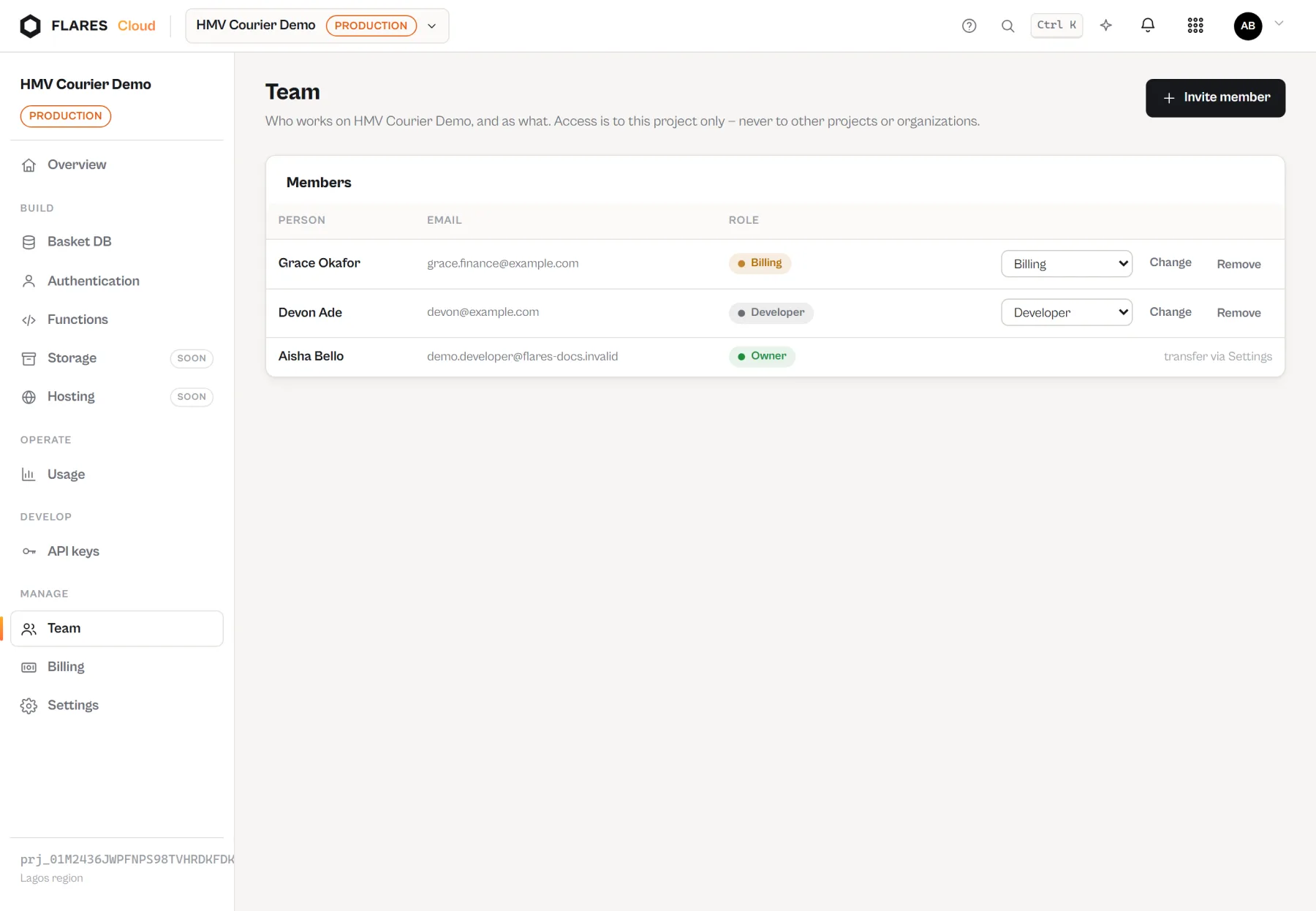
A project has members with roles. People get the access their job needs rather than a copy of the keys.
Roles, and usage everyone can see
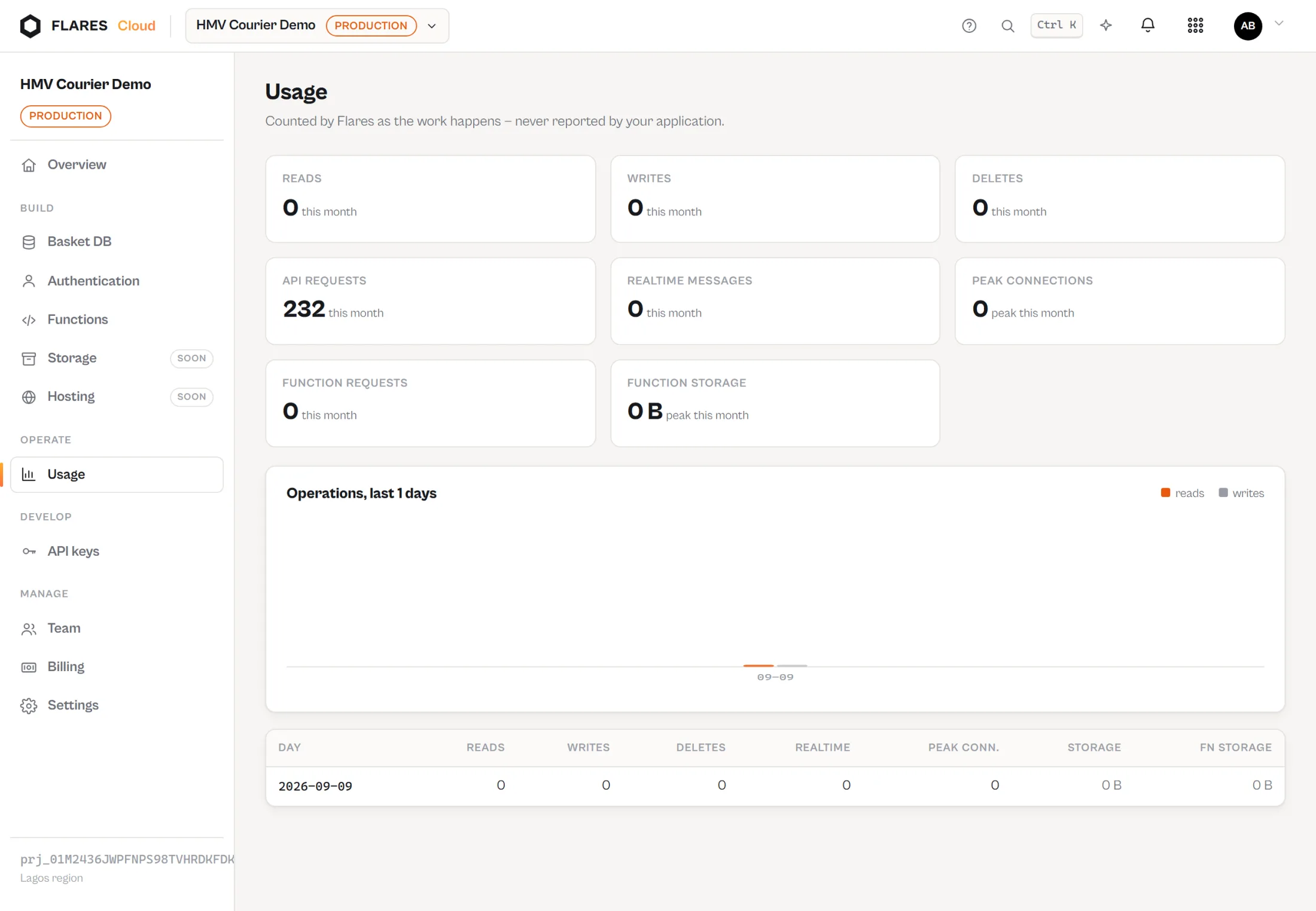
Invite the people who work on the application, and watch what the project is actually doing — requests, reads, writes and storage — without giving everybody a secret key.
Usage as it happens
Each metered dimension is visible in the console as it accrues, so a surprise is something you watch approaching rather than read about later.
Documentation
The reference, kept separately.
This page is about what Flares Cloud is and why it is shaped this way. How to call every endpoint, what each error means and how the SDKs behave lives in the developer documentation.
Create your first project
A database, authentication and functions, together from the first minute. Start building and see how far a project gets you.