Flares Cloud · Auth
Add login without becoming an authentication engineer.
Sign-up, sign-in, email verification, password reset and sessions for the people who use YOUR application — turned on in a project, not assembled from libraries.
To be clear
This is sign-in for YOUR users.
Flares Auth gives your application its own users, held in your project and separate from every other project. It is not how people sign in to Flares itself, and your users never need a Flares account.
Getting there
Four steps, and people can sign in.
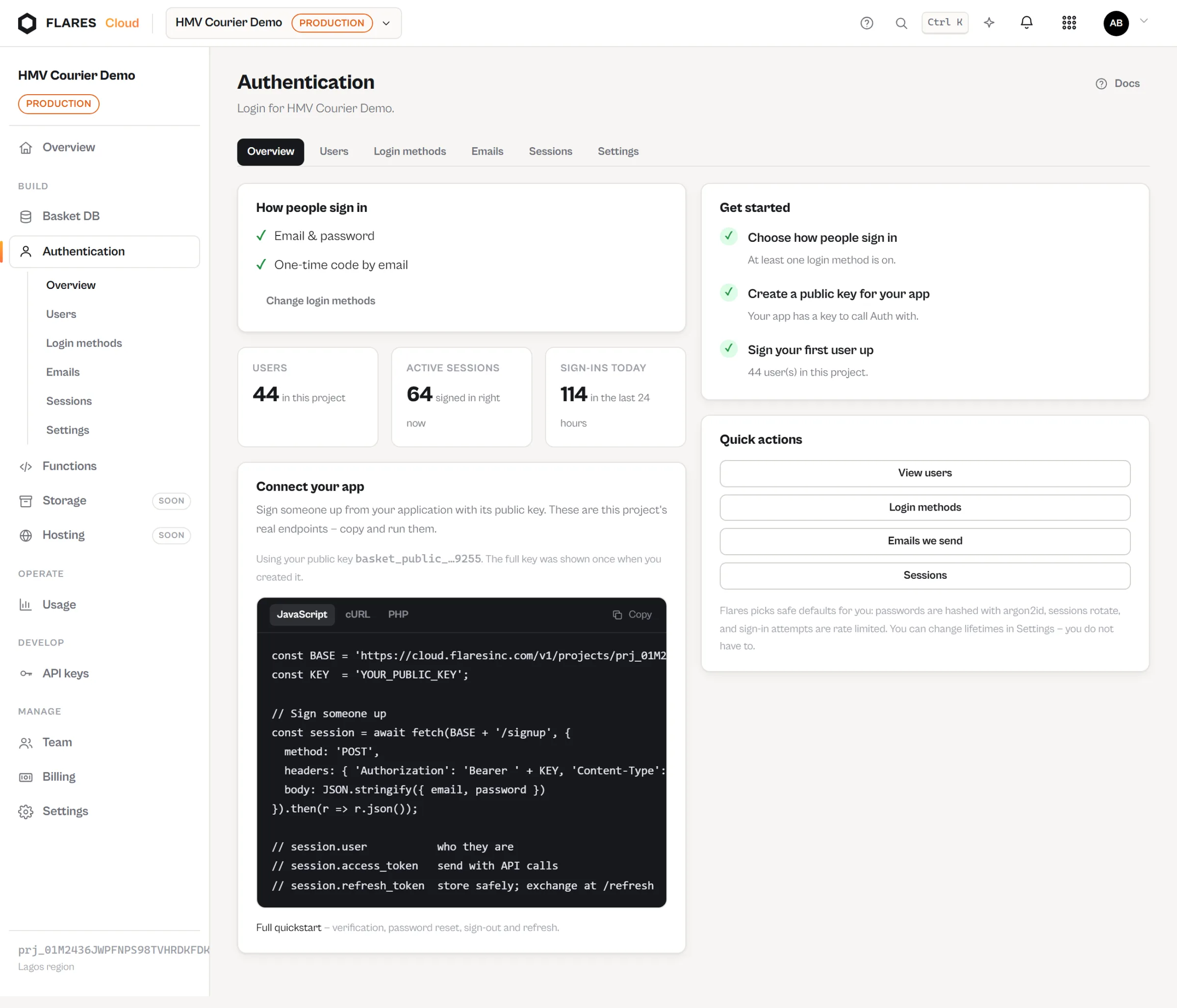
Open Auth
It is a service inside your project. Nothing to provision.
Enable a sign-in method
Email and password, switched on.
Connect your application
Use your project’s public key from your app.
Users sign in
Sign-up, verification, reset and sessions all work from that point.
curl -X POST -H 'Authorization: Bearer basket_public_…' \
  -H 'Content-Type: application/json' \
  -d '{"email":"aisha@example.com","password":"a-strong-passphrase"}' \
https://cloud.flaresinc.com/v1/projects/prj_…/auth/signin{
"user": { "id": "usr_…", "email": "aisha@example.com",
"email_verified": false, "status": "active" },
"access_token": "eyJ…",
"expires_in": 3600,
"refresh_token": "frt_…"
}What you get
The parts nobody enjoys writing.
Sign-up and sign-in
Email and password, with the password stored the way it should be. You never see a hash.
Email verification
A verification flow with single-use, time-limited links.
Password reset
The same, for the person who has forgotten theirs — and the answers are deliberately vague about whether an address exists.
Sessions you can end
Refresh tokens rotate, and a session can be revoked — from the console, or all of them at once.
It joins up
The same user, across the project.
A user signed in through Auth is a user Basket rules can refer to and Functions can require. One identity across the services in your project, with no adapter to write.
In Basket rules
Rules can be written against the signed-in user, so a person editing only their own records is a rule rather than a hope.
In Functions
A function can require a valid user, and the gateway verifies the token before your code runs — a rejected call never reaches it.
In the console
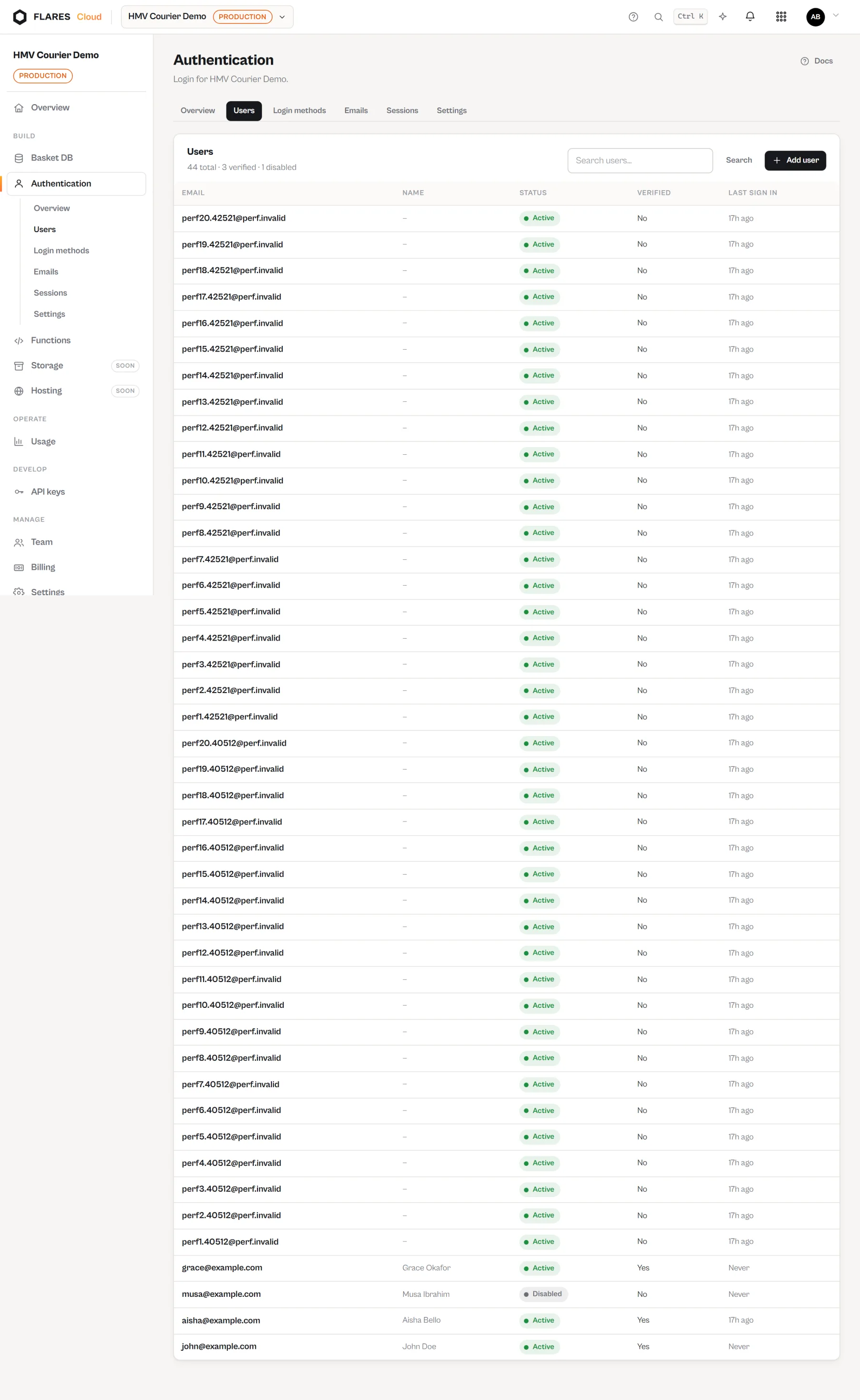
Your application’s users are listed, searchable and manageable, without exposing anything cryptographic.
The people using your app
A user list, not a token inspector.
Manage users without handling secrets
See who signed up, who verified, who signed in recently, and end a session that should not continue. Passwords and tokens are never displayed, because there is never a reason to display them.
Put login in your application today
Auth is a service inside a Flares Cloud project. Create the project, enable a method, and connect your app.