Flares Cloud · Basket DB
Application data, with the realtime built in.
Collections and records with a schema you define, queries over HTTP, rules that decide who may read and write, and changes that reach connected clients as they happen.
Powered by Fareedah, the Flares database platform. You never administer it.
The shape of it
Collections, records, rules.
Three ideas. A collection has a schema, records live in it, and a rule decides who may touch them.
Collections with a schema
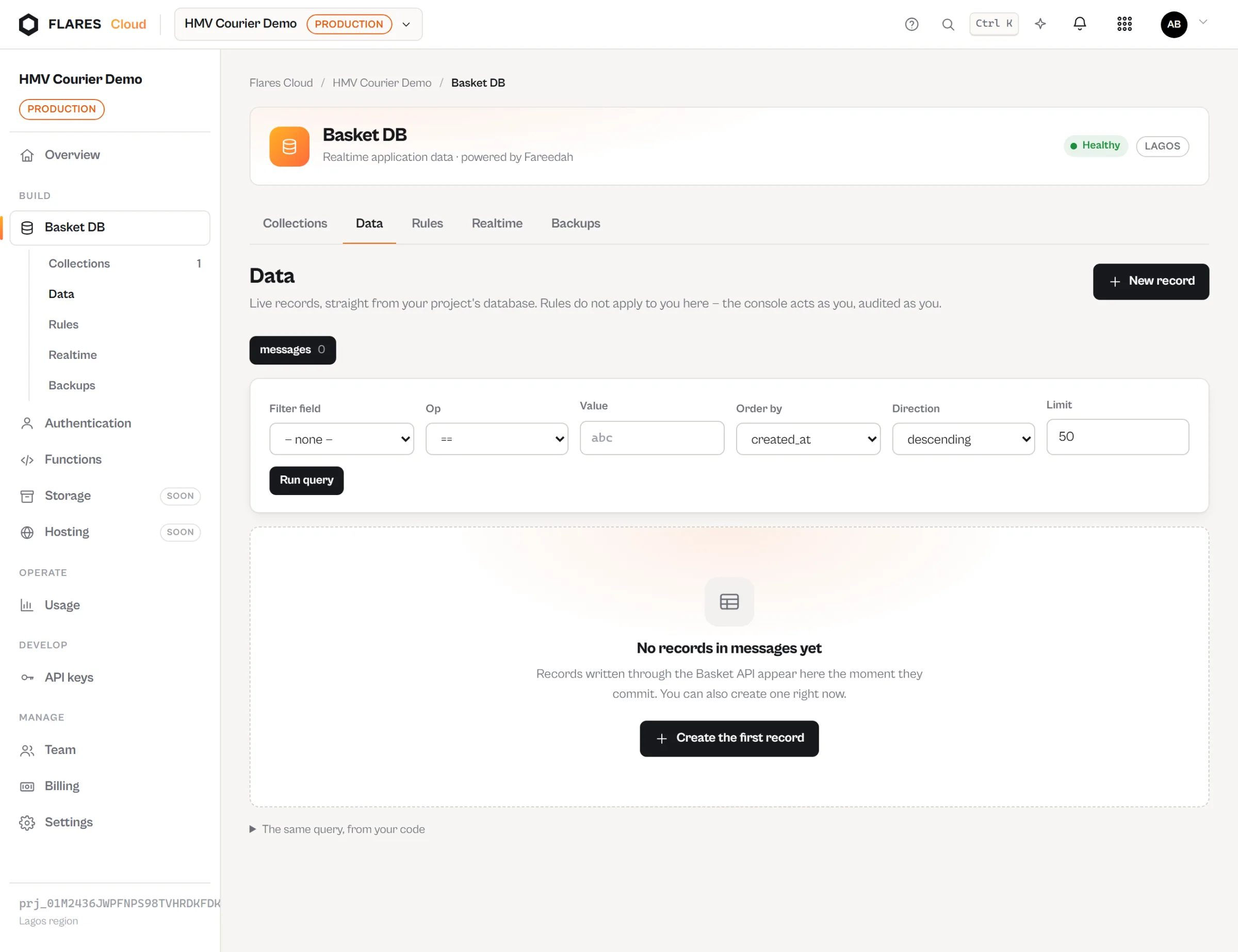
Declare the fields a record has and which are required, so bad data is refused at the door instead of discovered later.
Records over HTTP
Create, read, update and delete through a plain JSON API from any language that can make a request.
Rules, not middleware
Who may read and write is a property of the collection, enforced by the platform — not something every client has to be trusted to implement.
Working with it
A collection, then a query.
The secret key creates structure. The public key, plus a signed-in user, reads and writes data.
curl -X POST -H 'Authorization: Bearer basket_secret_…' \
  -d 'name=messages' \
  -d 'fields={"body":{"type":"text","required":true},"sender_id":{"type":"text","required":true}}' \
https://cloud.flaresinc.com/v1/projects/prj_…/collectionscurl -G 'https://cloud.flaresinc.com/v1/projects/prj_…/collections/messages/records' \
-H 'Authorization: Bearer basket_public_…' \
-H 'X-Basket-User-Token: eyJ…' \
--data-urlencode 'where=[["room_id","==","r_42"]]' \
--data-urlencode 'orderBy=created_at' \
--data-urlencode 'direction=desc'Realtime
A write here shows up there.
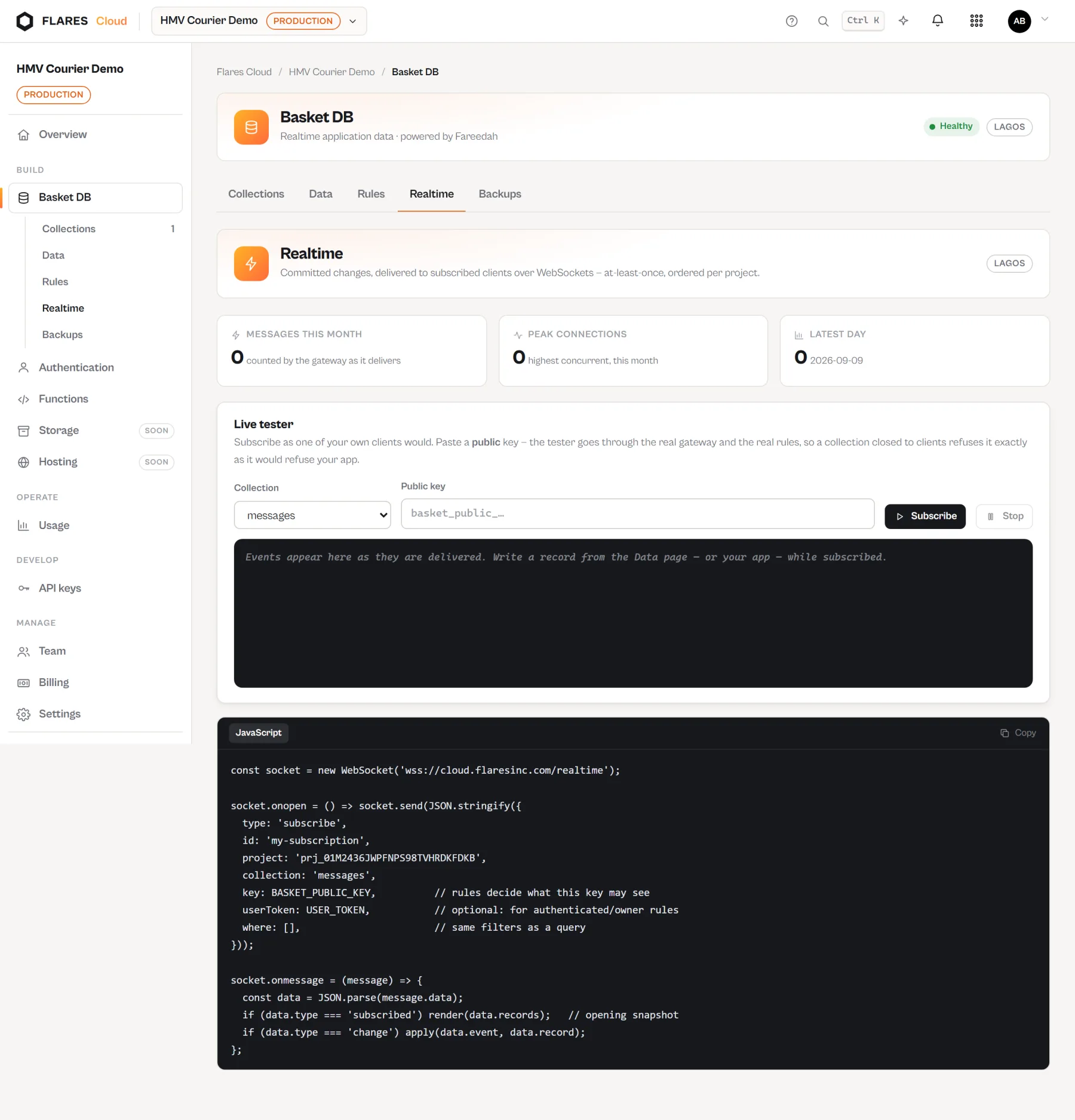
A client subscribes to a collection. When a record changes, the change arrives — without polling, and without you running a socket server.
Your app writes a record
An ordinary API call, from anywhere.
Basket commits it
The write lands in the project’s own database.
Subscribers are told
Every connected client watching that collection receives the change.
Rules
Who may read this, and who may write it.
Rules are written against the record and the signed-in user — so “a person may edit their own message” is a rule on the collection, not a check you hope every client remembers.
Enforced by the platform
A rule is applied on the server for every request, whatever made it.
Aware of the user
Rules can refer to the authenticated Flares Auth user, so ownership rules are natural to express.
Visible in the console
The rules for a collection are readable in one place rather than spread through application code.
Operating it
Backups and usage, without a database administrator.
It is looked after
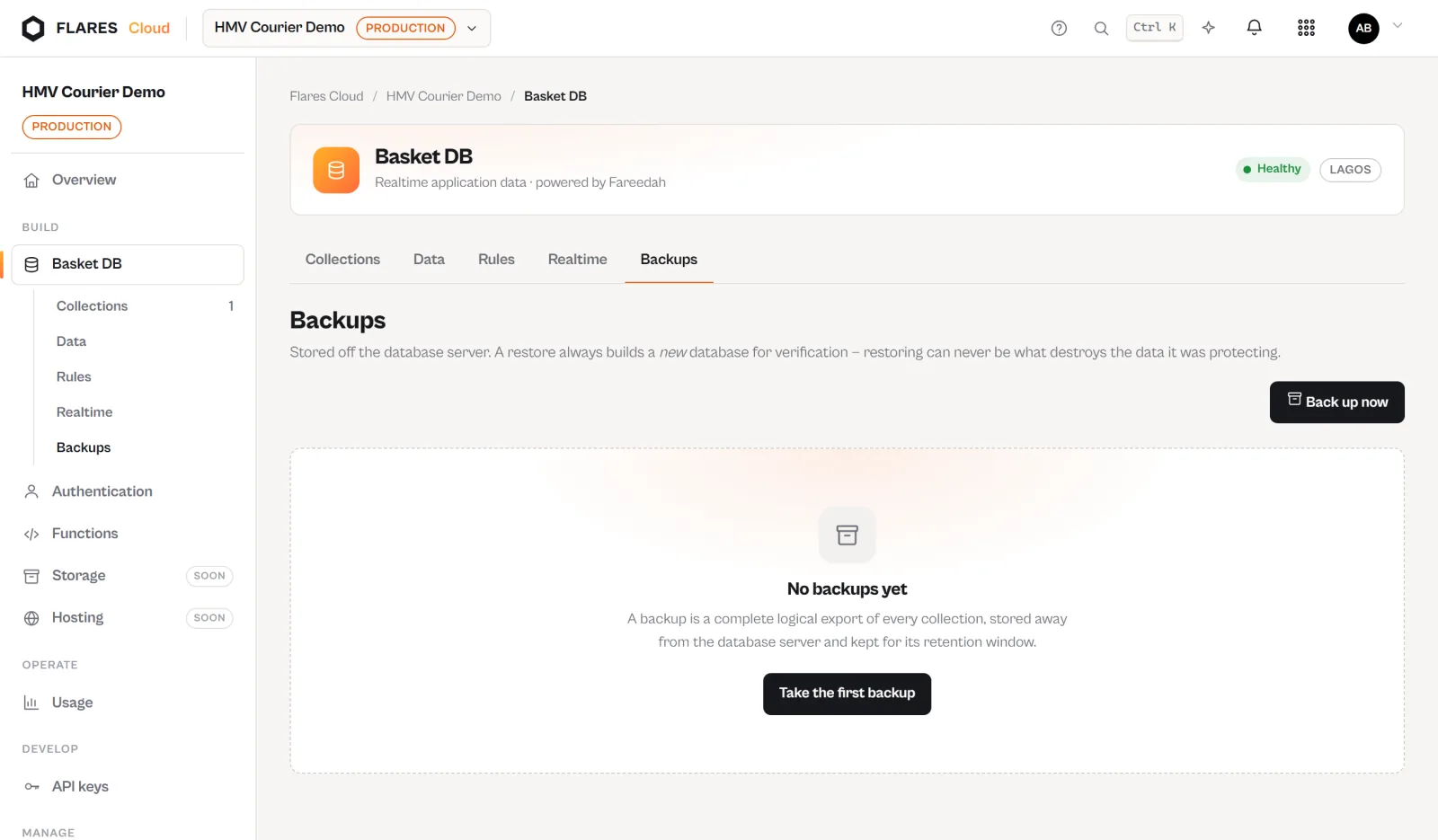
Each project gets its own database, backed up on a schedule, with usage visible in the console. You never size an instance, apply a patch or plan a migration window.
- Per-project isolation, not a shared table with a tenant column
- Backups taken for you
- Reads, writes and storage visible as you use them
Create a project and a collection
Basket DB is one of the services inside a Flares Cloud project. Create the project, and the database is already there.